
I think I have written 99.9% of everything, ever, in a minor key.
For a long time, that was basically the limit of my understanding of music theory. In my head, the equation was simple: Minor = Moodier. If I wanted to write underground dance music, I stayed in the minor keys, and if I wanted to write a pop song, I would use a major key.
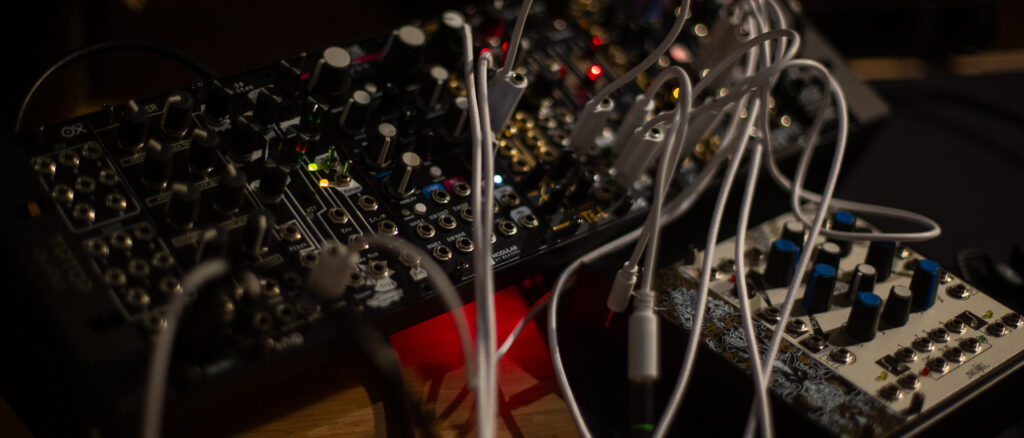
Thankfully, for a luddite like me, modern studio technology is incredibly forgiving. Equipment like the Oxi One MK II is designed to help you stay “in key.” You can set your preference, lock the scale, and pretty much just do your thing without ever hitting a wrong note.
However, as I transition more of my workflow over to hardware sequencing and physical modular synthesis, I am quickly learning there is a lot more to harmony than just picking a minor key and hoping for the best. Having the technology do the math is great, but you still need to know what to tell the machine to do.
If you are trying to break out of the standard minor-key loop, here is a practical look at the difference between Keys and Modes, and how to actually use them in your sequences.
The Core Difference: Keys vs. Modes
If you read the previous primer on the “Blueprint of Harmony,” you know that a Key is your master blueprint. It dictates the root note (the “home” base where the track feels resolved) and gives you the specific set of seven notes you are allowed to use.
A Mode does not change those seven notes. A mode simply takes that exact same blueprint, but forces you to start building from a different corner.
By shifting the starting point (the tonal center), you change the mathematical intervals between the notes. This completely alters the emotional quality of the sequence, without you having to figure out a completely new scale. Keys provide the structural foundation; modes provide the specific emotional flavor.
Spreadsheets vs. Play
Programming these modal shifts in a DAW’s piano roll is entirely possible, but it is a highly task-oriented process. Because I spend so much of my day working on a computer, clicking in Ableton quickly feels like spreadsheeting.
Hardware like the Oxi One Mk II doesn’t necessarily make the theory easier, but it fundamentally changes the interaction. It invites experimentation.
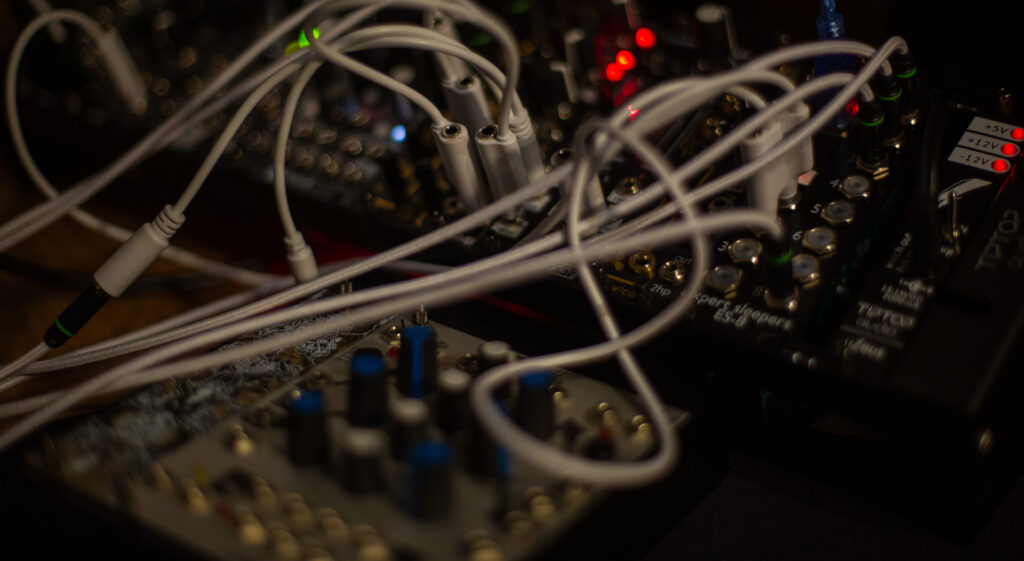
When you have a baseline running on a hardware sequencer, you can simply turn an encoder to shift the sequence from Aeolian (standard minor) to Dorian or Phrygian in real-time. You keep your eyes off the screen and you listen to how the groove reacts. It turns harmony back into play.
This ties directly into my broader studio goal right now: separating the production phases.
I use the hardware for the writing phase. I set up a patch, lock in a mode, and let it run. I treat Ableton Live as a tape machine, recording 10-minute passes of these hardware jams. If I want a different vibe, I change the mode on the Oxi One and record another long pass.
Later, during the arrangement phase, I take those different modal audio files and chop them up in the DAW. The hardware generates the organic, evolving variations; the DAW is just there to wrangle the chaos into a structured track, before it eventually the final mixdown.

The Practical Starting Points
If you are relying on your sequencer’s scale lock to keep you in tune, here are the modes you should actually be dialing in, and what they do to your sequences.
1. Dorian: The Deep Groove
- What it is: A minor scale with a raised 6th note.
- The Vibe: Melancholic but moving.
- When to use it: This is the immediate first step out of your standard minor key habit. The raised 6th removes the extreme, tragic sadness of a standard minor key, replacing it with a sophisticated, rolling energy. Think deep house and dub techno chords.
2. Phrygian: The Dark Tension
- What it is: A minor scale with a lowered 2nd note.
- The Vibe: Tense, dark, and exotic.
- When to use it: That half-step interval right at the start of the scale creates immediate, unresolved tension. If your sequence needs to sound aggressive, menacing, or industrial, dial in Phrygian. It is the holy grail for dark modular basslines and acid techno.
3. Mixolydian: The Rolling Major
- What it is: A major scale with a lowered 7th note.
- The Vibe: Upbeat and unresolved.
- When to use it: A standard major scale wants to resolve neatly to the root note, which can make a looped sequence feel like it is distinctly restarting every bar. Mixolydian removes that perfect resolution. This lack of finality keeps the loop moving forward without fatiguing the ear, making it ideal for driving, repetitive electronic sequences.
Modal Interchange (Splicing the Tape)
You do not have to stick to one mode for an entire track. Because I treat Ableton as a tape machine, I can record one five-minute jam in C Phrygian (dark and aggressive), and another in C Dorian (deep and rolling). During the arrangement phase, splicing the Phrygian audio into the Dorian audio creates a massive emotional shift on the dancefloor without ever actually changing the master key.
4. Lydian: The Usable Major
- What it is: A major scale with a raised 4th note.
- The Vibe: Dreamy, sci-fi, and ethereal.
- When to use it: Standard major keys often sound too cheerful—almost like a nursery rhyme—for electronic music. The raised 4th in Lydian creates a floating, open atmosphere. Use this for ambient layers, generative patches, and cinematic breakdowns above a heavy mix.
5. Minor Pentatonic: The Generative Safe Zone
- What it is: A minor scale with the 2nd and 6th notes completely removed (leaving only 5 notes).
- The Vibe: Grounded and highly musical.
- When to use it: If you are running random or generative sequences on your modular synth, lock your quantizer to a minor pentatonic scale. By removing the two most tense intervals in the scale, you eliminate the notes that usually cause discordant clashes. It allows for rapid, randomized sequencing where almost every note combination lands correctly.